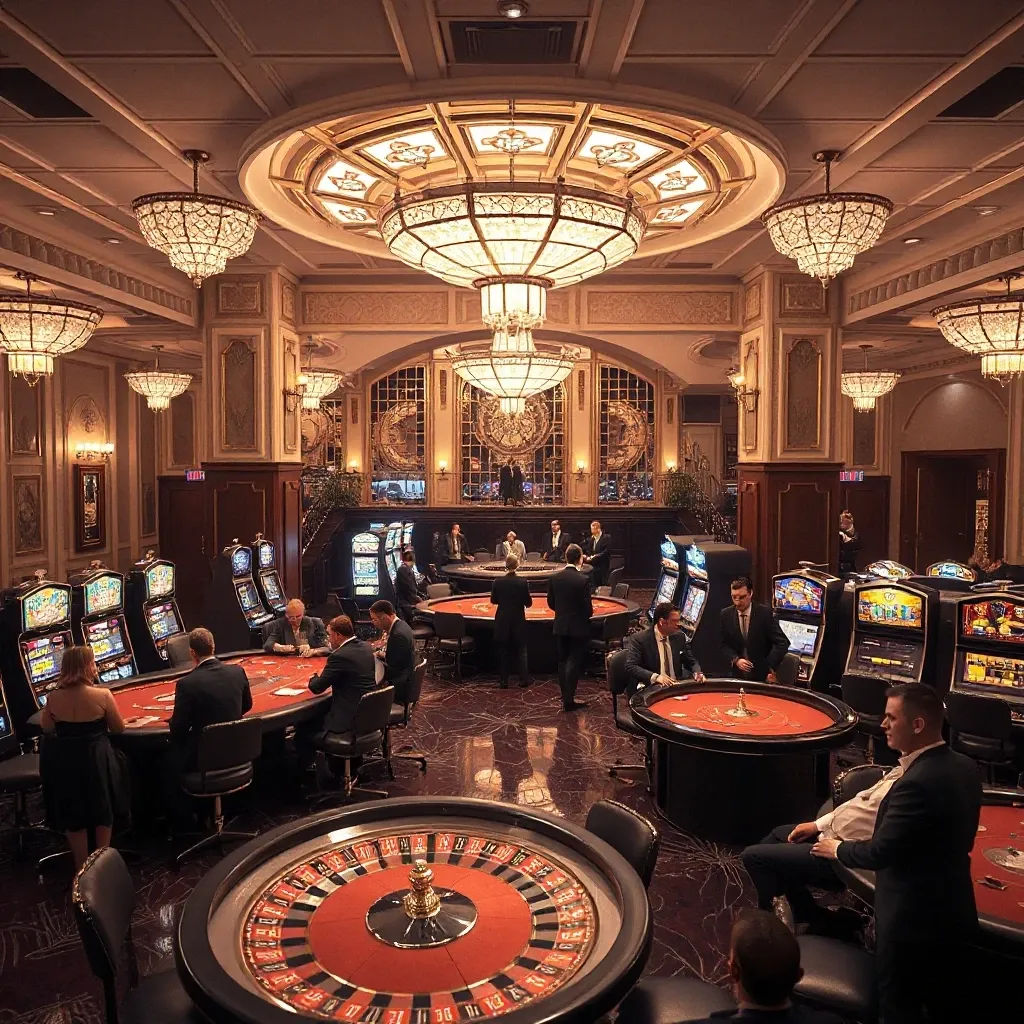
The Diamond Casino & Resort in GTA 5. You can bring this iconic location to your FiveM server by using resources like gta 5 casino on map. It’s not just a place to virtually gamble; it’s a landmark, a hub of activity, and a prime location for roleplaying scenarios. Now, imagine bringing that iconic experience to your FiveM server. Think of the possibilities: high-stakes poker games, glamorous events, and maybe even a thrilling heist or two plotted within its luxurious walls. The Diamond Casino is a content goldmine.
But here’s the thing: simply dropping the casino into your server isn’t enough. That’s where MLO (Map Loader Object) and MAP files come in. These files are the blueprints that bring custom locations like the Diamond Casino to life in FiveM. However, poorly optimized files can tank your server’s performance, leading to lag, crashes, and frustrated players. Nobody wants that.
A well-optimized Diamond Casino MLO/MAP, on the other hand, can transform your server. It can attract new players eager to experience the thrill of the casino, provide exciting roleplaying opportunities, and boost overall server activity. And this article will guide you through the process, from finding the right files to tweaking them for maximum performance. Let’s get started and turn your FiveM server into the hottest destination in town!
Understanding the Diamond Casino & Resort in FiveM
The Diamond Casino & Resort in FiveM isn’t just another building; it’s a dynamic hub that injects life and opportunity into any roleplaying server. Think of it as a grand stage where fortunes are won (and lost), alliances are forged, and stories unfold organically. From the bustling casino floor to the exclusive penthouse suites, every corner offers a chance to engage with the world and other players.
The casino’s design intricately encourages player interaction, leading to countless roleplaying scenarios. It also often becomes a crucial element in a server’s economy, with players using their in-game currency to try their luck, purchase goods, or simply show off their wealth. The Diamond Casino & Resort adds a layer of sophistication and intrigue, transforming a simple server into a place filled with danger and excitement.
Key Features and Functionalities
More than just slot machines, the Diamond Casino boasts a range of interactive features. Players can try their luck at blackjack, roulette, and poker, or spin the lucky wheel for a chance at grand prizes. Beyond gambling, the casino features bars where players can socialize and shops where they can purchase exclusive clothing and accessories to show off with. These interactive elements combined offer a deep experience and can lead to unforgettable nights.
Roleplaying Opportunities
The Diamond Casino is a hotbed for roleplaying potential. Imagine high-stakes gambling scenarios where players bluff their way to victory or become embroiled in debt. The casino provides a social setting for characters to mingle, establish relationships, and build their reputation. It’s a prime location for hosting events, from glamorous parties to underground poker tournaments, offering endless possibilities for creative storytelling, drama, and even criminal intrigue. The opportunities are as vast as the imagination allowing scenarios never thought possible.
Finding and Selecting Optimized MLO/MAP Files
Optimized MLO and MAP files are essential for ensuring your FiveM server runs smoothly and provides a responsive experience for players. These files dictate the custom environments and interiors within your game world. Using poorly optimized files can lead to lag, crashes, and a generally frustrating experience. Finding the right balance between detailed environments and efficient performance is key. Think of it like this: a beautifully designed interior is worthless if it makes the game unplayable. I once experienced a complete server meltdown because an admin installed an MLO with an absurdly high polygon count. It was a lesson in optimization I’ll never forget!
Understanding File Types and Optimization
When diving into custom maps, you’ll encounter file types like YMAP and MLO. YMAP files generally handle exterior modifications, altering the landscape and adding new structures to the existing game world. MLO (Map Loaded Object) files, on the other hand, are used for creating custom interiors and spaces that exist outside the standard game world. Optimization is crucial for both. This primarily involves reducing file size and polygon count. Smaller files load faster, and fewer polygons mean less strain on the server and client hardware. Optimizing leads to a better gameplay experience. Imagine the difference between a bulky, uncompressed image and a perfectly compressed one – the same principle applies here.
Finding Reputable Sources for MLO/MAP Files
Acquiring MLO and MAP files from trusted sources is paramount. The FiveM forums are a great starting point, often hosting a wealth of community-created resources and discussions. Many resource websites specialize in FiveM content, offering a curated selection of files. Exploring developer communities is another excellent way to discover high-quality content. When selecting files, it’s essential to consider the source’s reputation. Look for established creators with positive feedback. Always read reviews and check for mentions of performance issues before adding anything to your server.
Installation and Configuration
The server.cfg file is the central nervous system of your FiveM server, dictating crucial settings like your license key, resource allocation, and database connections. Properly configuring it is paramount to a smooth and functional server experience. This guide provides a detailed walkthrough of installing a Diamond Casino MLO/MAP on your FiveM server, diving deep into server.cfg configuration and resource management.
Step-by-Step Installation Guide
Installing the Diamond Casino MLO/MAP fundamentally involves ensuring the server recognizes and loads the new environment. You’ll need to upload the appropriate files, typically including the YMAP and MLO files, to your server’s resource folder. Structure matters; maintain a clear directory structure for easy management. Once the files are transferred, the next crucial step is modifying the server.cfg file to activate the resource.
Configuring server.cfg and Resource Management
To properly configure the server.cfg file, locate it in your FiveM server’s root directory. Open the file using a text editor and add a line to initiate the Diamond Casino resource. This line will typically use the start or ensure command followed by the resource name (e.g., start diamondcasino). The ensure command is generally preferred as it guarantees the resource starts before others that may depend on it. Remember to save the changes. Proper resource management is critical. Declaring the resource correctly in server.cfg tells the server to load and activate the new casino environment upon startup.
Customization and Enhancements
Transform your Diamond Casino from a simple replica to a vibrant hub that stands out within the FiveM landscape. The possibilities for customization are vast, ranging from aesthetic tweaks to profound functional changes. Imagine themed VIP rooms, each with its own unique atmosphere and allure, or altering the payouts of casino games to create a high-roller haven or a more player-friendly environment. Dive into the world of scripting to introduce captivating elements like exclusive casino events or even dedicated job systems centered around the casino’s operations. Regardless of the path you choose, remember to harmonize creativity with server performance and robust protection against exploitation.
Adding Custom Interiors and Exteriors
Elevate the Diamond Casino’s visual appeal with bespoke interiors and exteriors. Replace existing textures with high-resolution alternatives to give the casino a modern, luxurious feel, or design unique 3D models to overhaul the building’s architecture. Consider the possibilities: a swanky, retro-themed lounge, an exclusive poker room bathed in dramatic lighting, or an exterior facade that commands attention. Thoughtful design choices can significantly enhance the immersive qualities of your server.
Integrating Custom Scripts for Unique Features
Go beyond surface-level changes by integrating custom scripts that redefine how players interact with the Diamond Casino. Introduce specialized mission systems where players complete tasks for the casino’s management, or develop job systems that allow players to work as security personnel, bartenders, or even high-stakes gamblers. Implement seasonal events, such as themed parties or tournaments, to keep the casino lively and engaging. Don’t overlook the importance of security: integrate scripting solutions that bolster the casino’s anti-cheat measures and protect against unwanted disruptions.
Optimizing Performance and Troubleshooting
Even the most meticulously crafted FiveM server can sometimes stumble, plagued by lag spikes or frustrating client-side crashes. Fear not! Optimizing performance is an ongoing process. Resource monitor tools are your best friend. The goal is a smooth, immersive experience for everyone. We will explore tips and tricks to diagnose and resolve common performance bottlenecks, ensuring minimal disruption. By the end of this section, you’ll be equipped to tackle performance issues head-on, maintaining a thriving and enjoyable FiveM community.
Diagnosing Common Performance Issues
Before diving into solutions, understanding where the problem lies is essential. Performance monitoring is key. High CPU usage on the server, excessive RAM consumption, or noticeable network latency can all point to different bottlenecks. Resource usage should be monitored closely, especially during peak player times. Look for patterns – are there specific resources that consistently hog resources? Are lag spikes correlated with particular in-game events? Pinpointing the root cause is half the battle. Remember, a little detective work goes a long way.
Troubleshooting Common Problems
Encountering installation errors or script errors are common hurdles. Resource conflicts can also create havoc which lead to client crashes and server crashes. Deciphering the error messages and understanding their implications are crucial for a smooth experience. For example, a “resource failed to start” error often indicates a missing dependency or a syntax error in the resource’s configuration file. Client crashes can stem from outdated graphics drivers or conflicting game modifications. Each problem is unique. Addressing these issues promptly will lead to a stable server.
Conclusion
The Diamond Casino & Resort represents a significant opportunity to elevate any FiveM server. From enhancing roleplaying scenarios and providing diverse activities to fostering community engagement and offering unique customization options, the benefits are undeniable. However, it is crucial to recognize that seamless integration hinges on meticulous optimization. A poorly optimized casino can quickly transform from an exciting addition to a frustrating bottleneck, impacting server performance and player satisfaction.
By prioritizing optimization, server owners can ensure that the Diamond Casino runs smoothly, providing a lag-free and enjoyable experience for all players. This involves careful resource management, strategic implementation of scripts, and continuous monitoring of server performance. Beyond the core functionality, remember that the true potential of the Diamond Casino lies in its customizability. Explore different scripts, tailor the casino’s offerings to your server’s theme, and create unique experiences that will keep your players coming back for more. The possibilities are virtually limitless.